
Qt Quick Widgets Example
Demonstrates how to mix Qt Quick with a Qt Widgets application using the QQuickWidget class.
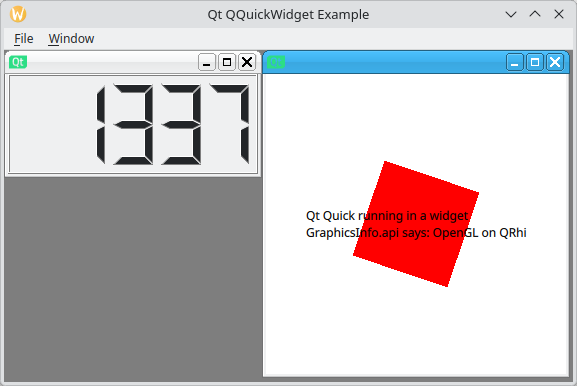
The example demonstrates how you can embed Qt Quick scenes inside a Qt Widgets application, and how different UI aspects integrate between Qt Widgets and Qt Quick. This includes:
- Tab focusing between Qt Widgets and Qt Quick
- Embedding a QQuickView inside a QLayout
Running the Example
You can run the example from:
- Qt Creator
Open the Welcome mode and select the example from Examples. For more information, see Qt Creator: Tutorial: Build and run.
- Qt Extension for Visual Studio Code
Run the Qt: Open Qt examples command from the Command Palette, and select the example from the list. For more information, see Qt Extension for Visual Studio Code: Tutorial: Build and run.
Qt Quick view integration
To demonstrate seamless integration of Qt Quick view, the example implements several approaches of taking a screenshot of the Qt Quick view.
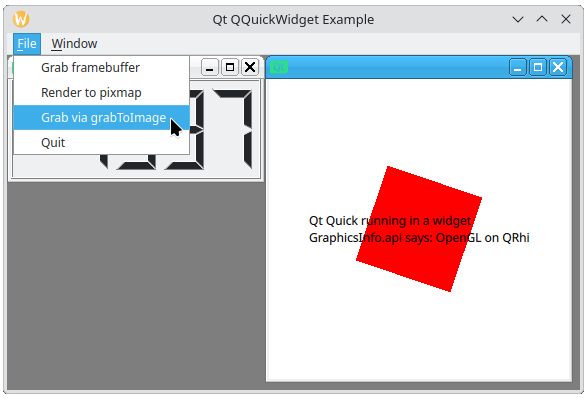
In the main menu, select File, then select any of these options to grab a screenshot of the Qt Quick view:
- Grab framebuffer - grabs the screenshot using the QQuickWidget::grabFramebuffer function.
- Render to pixmap - grabs the screenshot using the QWidget::render function and a QPixmap instance as a parameter. This approach is common for Qt Widgets.
- Grab via grabToImage - calls the
performLayerBasedGrabfunction declared in the QML file. TheperformLayerBasedGrabfunction calls QML Item's Item::grabToImage function to grab the screenshot. This approach demonstrates how to call nested view's QML APIs from C++.
QQuickWidget in MDI
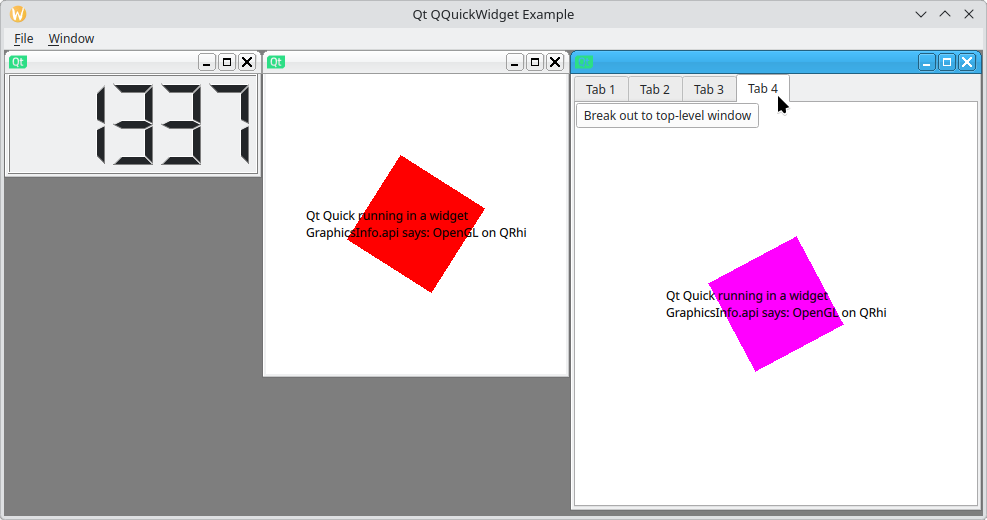
The example also demonstrates how you can use QQuickWidget to seamlessly integrate hardware accelerated Qt Quick scenes in a Qt Widget Multiple Document Interface (MDI) application.
To open a new MDI subwindow, in the main menu, select Window > Add tab widget.
© 2026 The Qt Company Ltd. Documentation contributions included herein are the copyrights of their respective owners. The documentation provided herein is licensed under the terms of the GNU Free Documentation License version 1.3 as published by the Free Software Foundation. Qt and respective logos are trademarks of The Qt Company Ltd. in Finland and/or other countries worldwide. All other trademarks are property of their respective owners.
