
Connect to Qt Documentation MCP Server
Qt Documentation MCP Server reduces the time and resources an AI agent spends researching context for a Qt development task or user query and offers high-quality results. Qt Creator connects to the server when you activate the MCP Server extension.
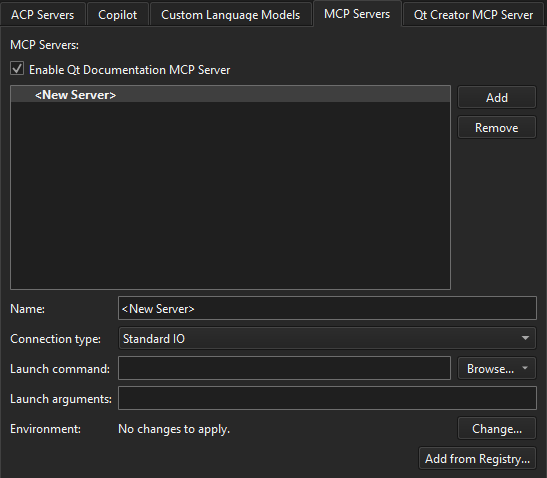
To turn off Qt Documentation MCP Server, go to Preferences > AI > MCP Servers and then clear Enable Qt Documentation MCP Server.
See also Activate extensions and How to: Use AI.
Copyright © The Qt Company Ltd. and other contributors. Documentation contributions included herein are the copyrights of their respective owners. The documentation provided herein is licensed under the terms of the GNU Free Documentation License version 1.3 as published by the Free Software Foundation. Qt and respective logos are trademarks of The Qt Company Ltd in Finland and/or other countries worldwide. All other trademarks are property of their respective owners.
