
Open UI files in Qt Design Studio
By default, Qt Creator opens QML files (.qml) and UI files (.ui.qml) in a visual editor called Qt Quick Designer in the Design mode.
To open .ui.qml files in Qt Design Studio instead:
- Go to Preferences > Qt Quick > QML/JS Editing.
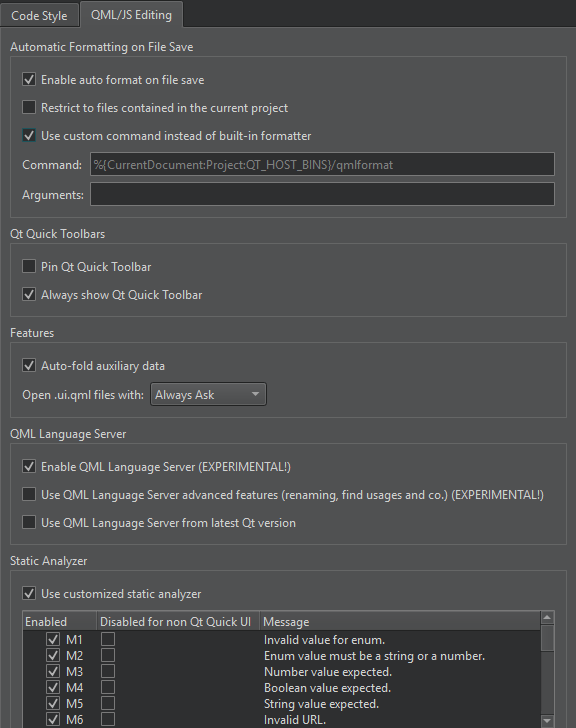
- In Open .ui.qml files with, select Qt Design Studio.
See also How to: Design Qt Quick UIs, Qt Quick UI design, Designing Qt Quick UIs, and Qt Design Studio documentation.
Copyright © The Qt Company Ltd. and other contributors. Documentation contributions included herein are the copyrights of their respective owners. The documentation provided herein is licensed under the terms of the GNU Free Documentation License version 1.3 as published by the Free Software Foundation. Qt and respective logos are trademarks of The Qt Company Ltd in Finland and/or other countries worldwide. All other trademarks are property of their respective owners.
