
Create component instances
Qt Quick Designer comes with preset components that you can use in your UI by creating instances of them.
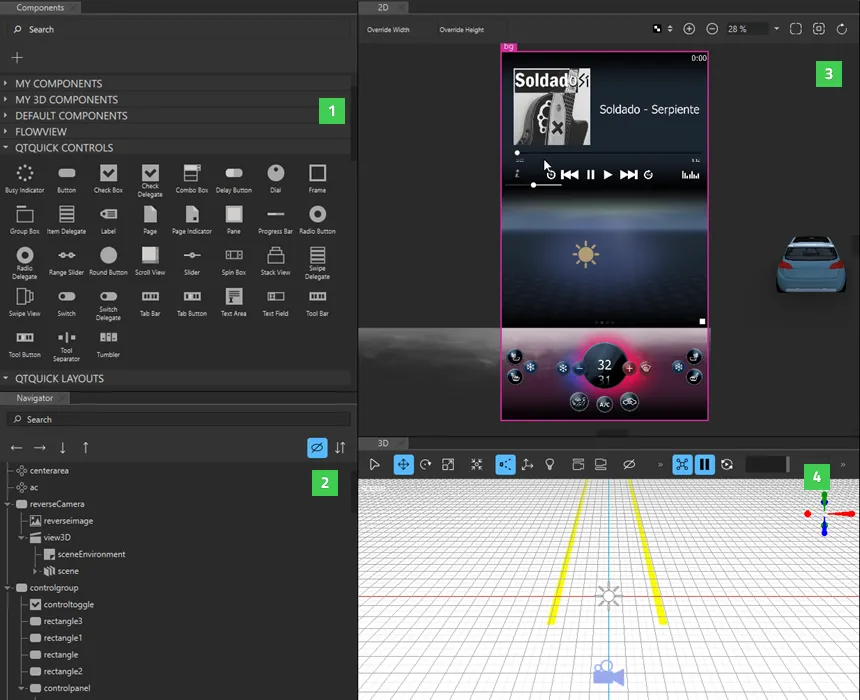
To create component instances and edit their properties:
- Drag components from Components (1) to the Navigator (2) or 2D (3) view. This creates instances of the components in the current component file.
- Select component instances in Navigator to edit the values of their properties in Properties.
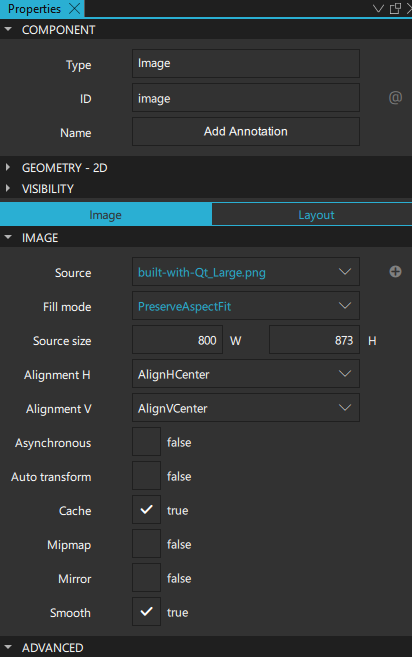
For more information, see Set basic component properties.
- To change the appearance and behavior of the component instances in ways that are not supported in Qt Quick Designer by default, you can define custom properties on the Properties tab in the Connections view.
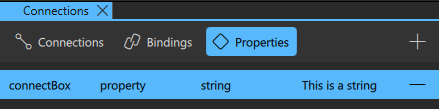
For more information, see Add custom properties.
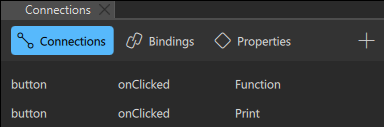
- To enable users to interact with the component instances, connect the instances to signals. For example, you can specify what happens when a component instance is clicked. For more information, see Connect components to signals.
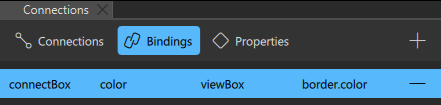
- To dynamically change the behavior of a component instance when another component instance changes, create bindings between them on the Bindings tab in the Connections view. For more information, see Add bindings between properties.
- Add states to apply sets of changes to the property values of one or several component instances in the States view. For more information, see Working with states.
- Animate the properties of component instances in the Timeline view. For more information, see Create timeline animations.
See also How to: Use UI components, Qt Quick UI design, and Designing Qt Quick UIs.
Copyright © The Qt Company Ltd. and other contributors. Documentation contributions included herein are the copyrights of their respective owners. The documentation provided herein is licensed under the terms of the GNU Free Documentation License version 1.3 as published by the Free Software Foundation. Qt and respective logos are trademarks of The Qt Company Ltd in Finland and/or other countries worldwide. All other trademarks are property of their respective owners.
