
C
Qt Quick Ultralite multiscreen Example
Demonstrates how to use multiple screens in Qt Quick Ultralite.
Overview
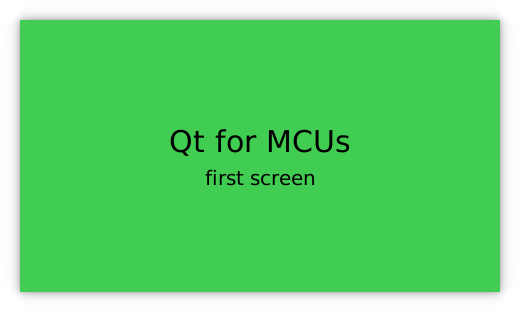
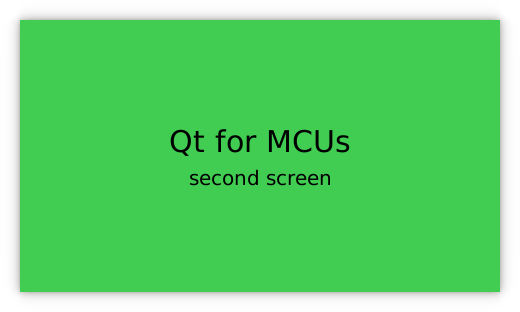
The multiscreen example shows how a single Qt Quick Ultralite application can display content on separate screens.
Target platforms
Project structure
The minimal example consists of only three files, CMakeLists.txt, mcu_multiscreen.qmlproject and multiscreen.qml.
The CMake project file contains a basic build script, the multiscreen.qml defines the UI and mcu_minimal.qmlproject contains a simple project configuration to load multiscreen.qml into the project.
CMake project file
# Copyright (C) 2025 The Qt Company Ltd.
# SPDX-License-Identifier: LicenseRef-Qt-Commercial
cmake_minimum_required (VERSION 3.21.1)

project(multiscreen VERSION 0.0.1 LANGUAGES C CXX ASM)
if (NOT TARGET Qul::Core)
    find_package(Qul)
endif()

qul_add_target(multiscreen QML_PROJECT mcu_multiscreen.qmlproject GENERATE_ENTRYPOINT)

app_target_setup_os(multiscreen)

if(NOT CMAKE_CROSSCOMPILING AND NOT WIN32)
    add_custom_command(TARGET multiscreen
        COMMAND strip multiscreen -o multiscreen.stripped
        DEPENDS multiscreen)
endif()
Application UI
import QtQuick 2.15
import QtQuickUltralite.Layers 2.0

ApplicationScreens {
    Screen {
        backgroundColor: "#41CD52"
        ItemLayer {
            anchors.centerIn: parent
            depth: ItemLayer.Bpp32Alpha
            width: textPrimary.width
            height: textPrimary.height

            Rectangle {
                anchors.fill: parent
                color: "#41CD52"
            }

            Column {
                id: textPrimary
                anchors.centerIn: parent
                spacing: 5
                Text {
                    anchors.horizontalCenter: parent.horizontalCenter
                    font.pixelSize: 30
                    text: "Qt for MCUs"
                }
                Text {
                    anchors.horizontalCenter: parent.horizontalCenter
                    font.pixelSize: 20
                    text: "first screen"
                }
            }
        }
    }

    Screen {
        backgroundColor: "#41CD52"
        ItemLayer {
            z: 1
            anchors.centerIn: parent
            depth: ItemLayer.Bpp32Alpha
            width: textSecondary.width
            height: textSecondary.height

            Rectangle {
                anchors.fill: parent
                color: "#41CD52"
            }

            Column {
                id: textSecondary
                anchors.centerIn: parent
                spacing: 5
                Text {
                    anchors.horizontalCenter: parent.horizontalCenter
                    font.pixelSize: 30
                    text: "Qt for MCUs"
                }
                Text {
                    anchors.horizontalCenter: parent.horizontalCenter
                    font.pixelSize: 20
                    text: "second screen"
                }
            }
        }
    }
}
Files:
Available under certain Qt licenses.
Find out more.
