
License Key Settings
To open the License Key Settings dialog, go to Help - License Key...
From there, you can see and change the license information that is stored for Squish. There are 4 different options:
- Local License Key
- Qt Account
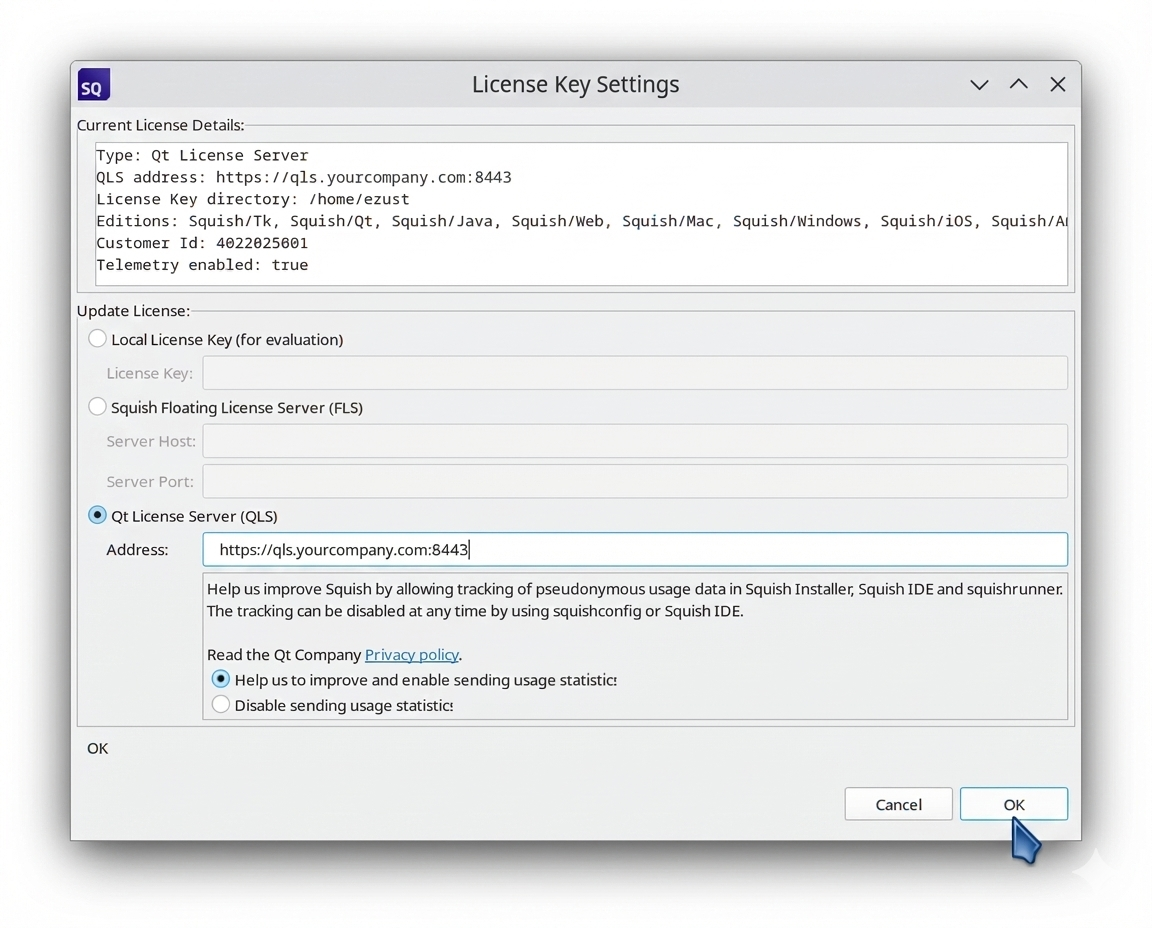
- Qt License Server URL (QLS)
- Squish Floating License Server host:port (FLS)
When Qt Account is selected, enter the email address and password associated with your Qt Account.
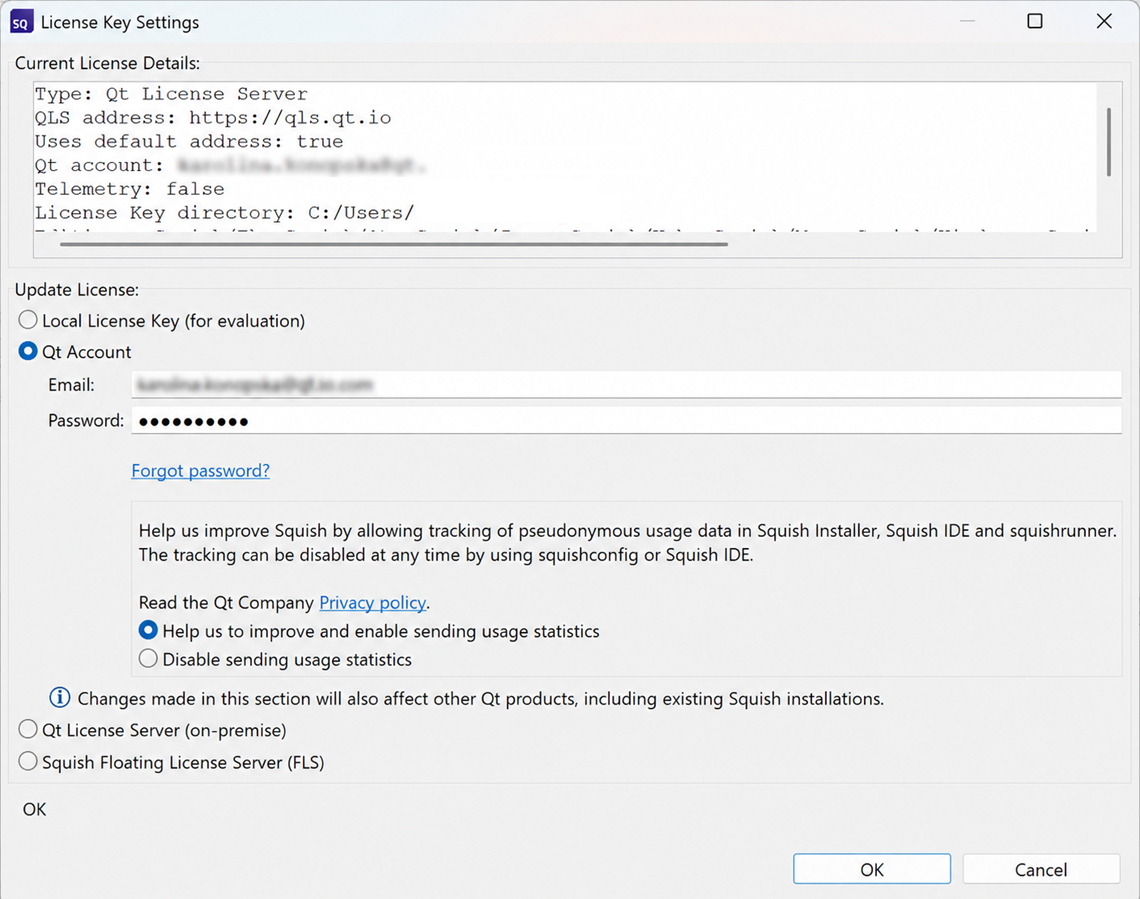
If you are already logged in to your Qt Account, the email field is pre-filled and the password field contains masked characters. When a new login is required, the email and password fields are empty and you need to enter your Qt Account credentials.
If Qt License Server or Qt Account is selected, you can decide whether you want usage statistics (telemetry data) sent to the license server.
© 2025 The Qt Company Ltd.
Documentation contributions included herein are the copyrights of
their respective owners.
The documentation provided herein is licensed under the terms of the GNU Free Documentation License version 1.3 as published by the Free Software Foundation.
Qt and respective logos are trademarks of The Qt Company Ltd. in Finland and/or other countries worldwide. All other trademarks are property
of their respective owners.
