PySide6.QtQuickControls2
Detailed Description
Provides a set of UI controls for Qt Quick.
Qt Quick Controls provides a set of controls that can be used to build complete interfaces in Qt Quick.
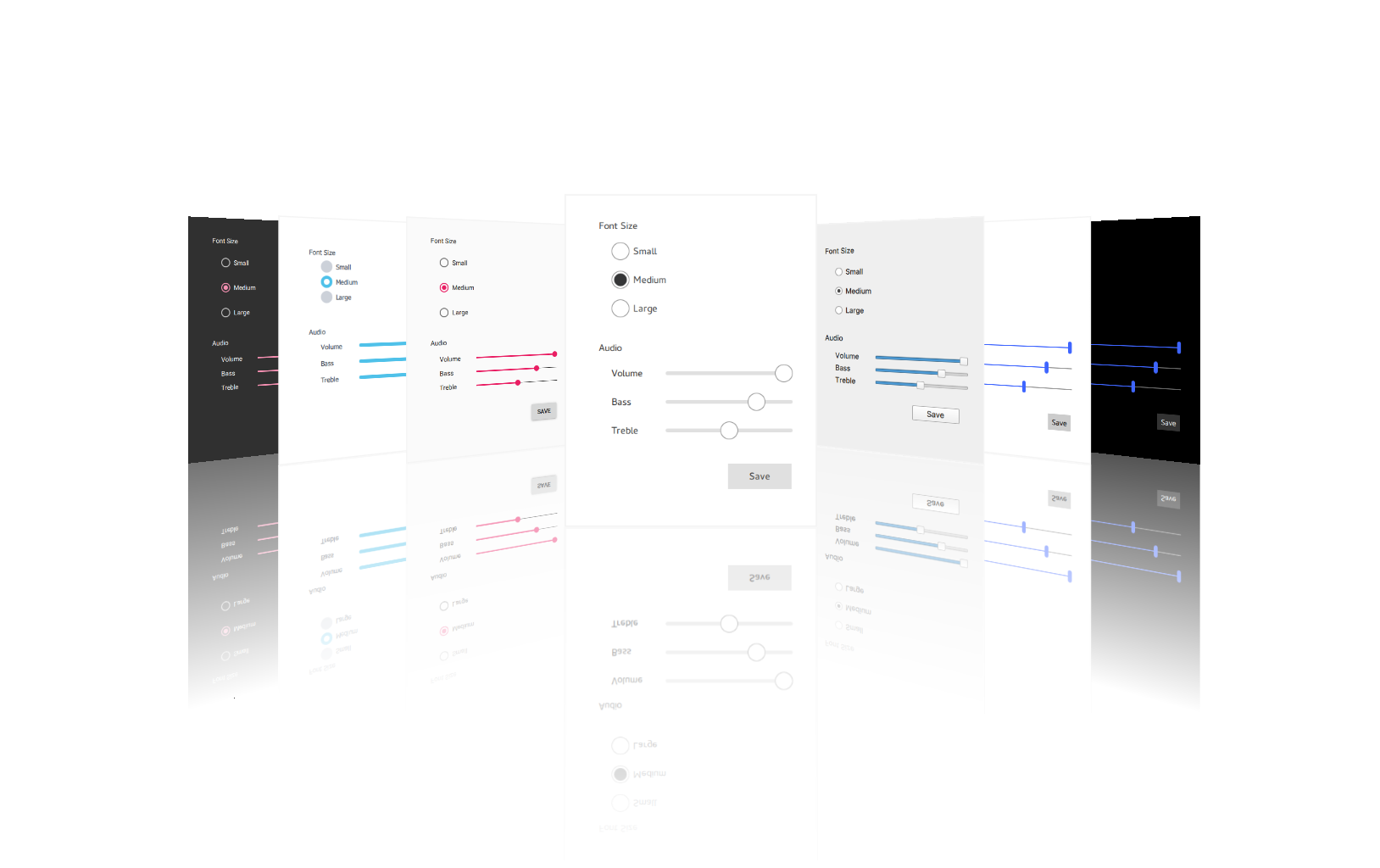
Qt Quick Controls comes with a selection of customizable styles. See Styling Qt Quick Controls for more details.
Controls
For the full list of Qt Quick Controls, see QML Types .
Container Controls
Styled top-level window with support for a header and footer.
Abstract base type providing functionality common to containers.
Visual frame for a logical group of controls.
Visual frame and title for a logical group of controls.
Provides a horizontal header view to accompany a TableView.
Offers a vertical header view to accompany a TableView.
Styled page control with support for a header and footer.
Provides a background matching with the application style and theme.
Scrollable view.
Lays out items with a draggable splitter between each item.
Provides a stack-based navigation model.
Enables the user to navigate pages by swiping sideways.
Allows the user to switch between different views or subtasks.
Container for context-sensitive controls.
Delegate Controls
Item delegate with a check indicator that can be toggled on or off.
Basic item delegate that can be used in various views and controls.
Exclusive item delegate with a radio indicator that can be toggled on or off.
Swipable item delegate.
Item delegate with a switch indicator that can be toggled on or off.
A delegate that can be assigned to a TableView.
A delegate that can be assigned to a TreeView.
Indicator Controls
Indicates background activity, for example, while content is being loaded.
Indicates the currently active page.
Indicates the progress of an operation.
Vertical or horizontal interactive scroll bar.
Vertical or horizontal non-interactive scroll indicator.
Input Controls
Combined button and popup list for selecting options.
Circular dial that is rotated to set a value.
Allows the user to select from a set of preset floating-point values.
Used to select a range of values by sliding two handles along a track.
A specialized input field designed to use for search functionality.
Used to select a value by sliding a handle along a track.
Allows the user to select from a set of preset values.
Multi-line text input area.
Single-line text input field.
Spinnable wheel of items that can be selected.
Popup Controls
Popup dialog with standard buttons and a title, used for short-term interaction with the user.
Side panel that can be opened and closed using a swipe gesture.
Menu popup that can be used as a context menu or popup menu.
Base type of popup-like user interface controls.
Provides tool tips for any control.
Separator Controls
Separates a group of items in a menu from adjacent items.
Separates a group of items in a toolbar from adjacent items.
Using the Module
To include the definitions of modules classes, use the following directive:
import PySide6.QtQuickControls2
Articles and Guides
Qt-Quick-Controls-Configuration-File